/
FAQ-Supplier
OrderAI
Removing item matches
To delete a catalogue match:
Open REKKI connect
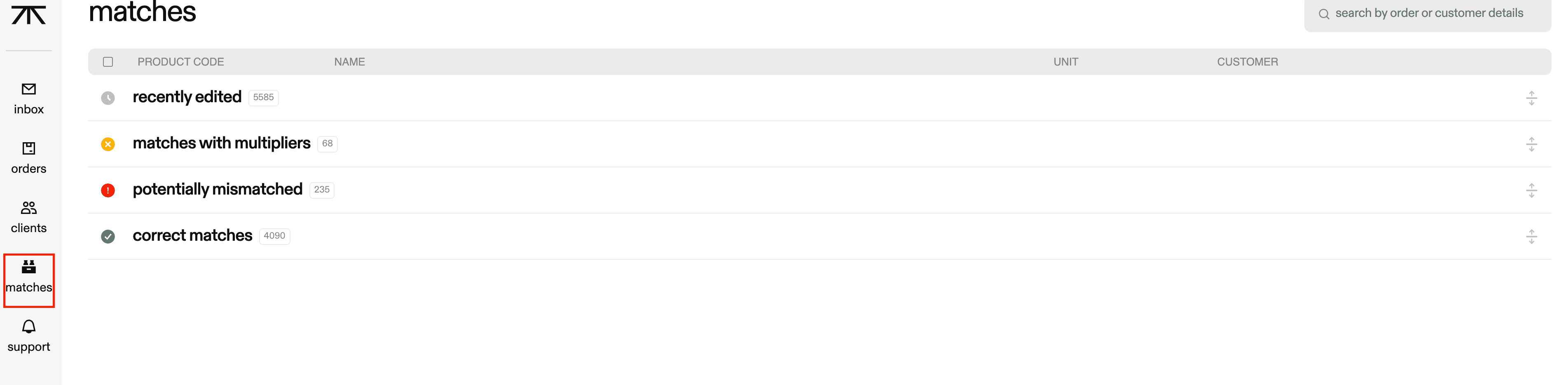
Navigate to ‘matches’ on the left-hand side of the screen
Use the search bar to filter down each section to find the specific product you want, using the product code
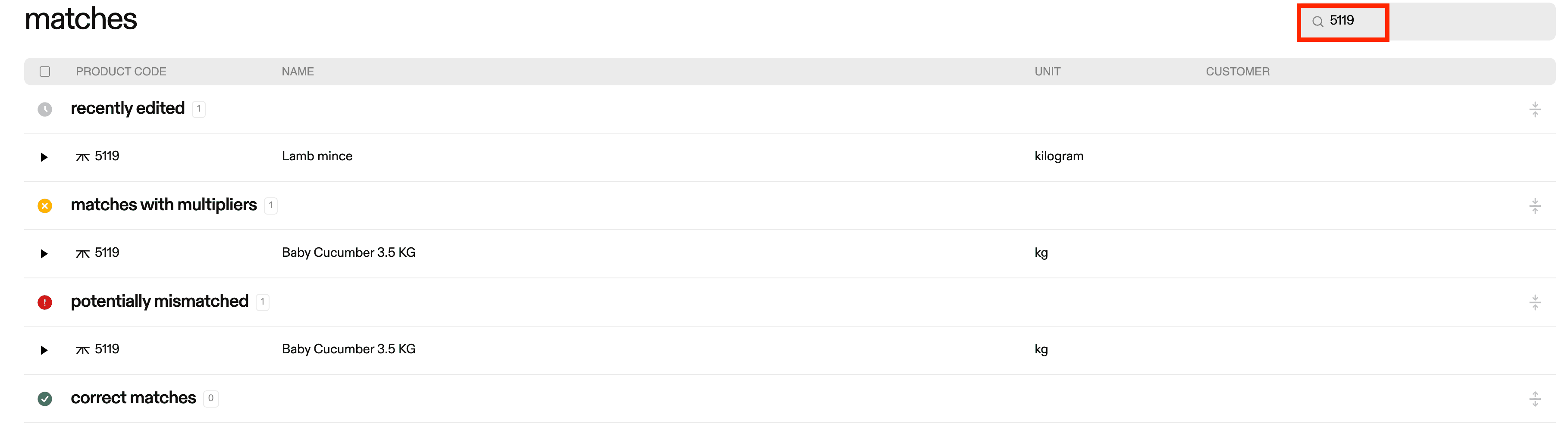
Find the match
Potentially mismatched = when the product name and the matched name are not similar
Once you find the match, you can either delete the match or rematch, depending on which of the two items you select
